
Table of Contents
Your phone unlocks when it sees your face. Netflix seems to “get” your taste. Your email quietly filters spam before you ever see it. That’s artificial intelligence showing up in normal life, often without you asking for it.
If you’ve avoided AI because you don’t code, don’t like math, or don’t want to buy new gear, you’re in the right place. This guide is beginner-safe: no jargon overload, no equations, no setup headaches.
You’ll learn what AI is (in plain English), what it’s good at, where it fails, and how to use it in everyday tasks without getting burned. And yes, in January 2026, AI tools are everywhere, which makes basic AI “street smarts” worth having.
What artificial intelligence is (and what it isn’t) in plain English
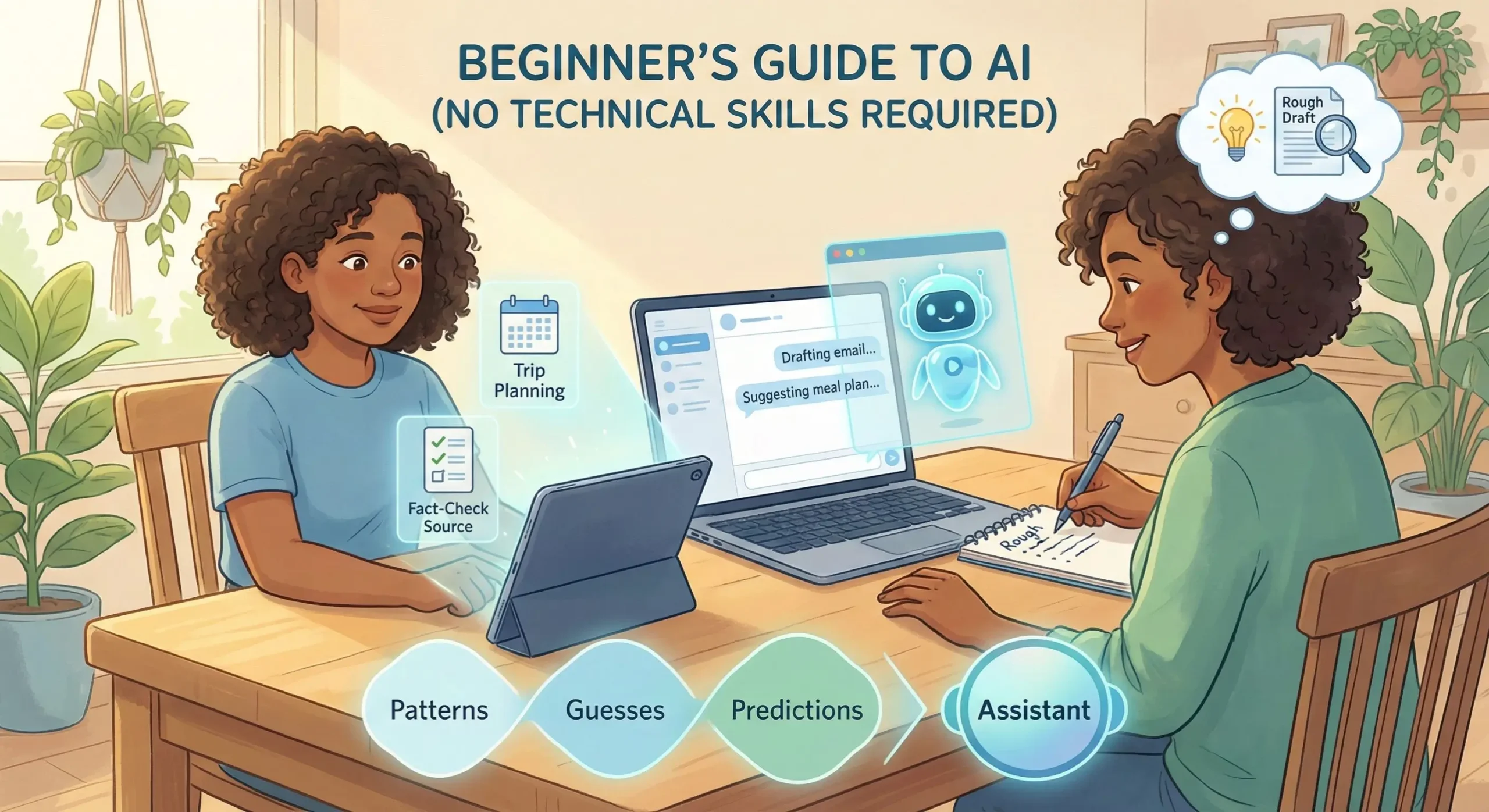
Think of AI as software that spots patterns and makes guesses based on what it’s seen before. It doesn’t “understand” the way people do. It doesn’t have life experience, common sense, or a conscience. It’s closer to an extremely fast autocomplete that can work with words, images, audio, and numbers.
A helpful metaphor: AI is like a new coworker who has read a million documents in your field but has never lived a day of your actual job. It can sound confident and still be wrong. It can be useful and still need supervision.
Most AI you run into today is narrow AI, meaning it’s good at specific tasks. A spam filter can be great at spam and terrible at planning a vacation. A photo app can recognize a dog and still fail to understand a joke in a text message. If you’ve heard people talk about “human-level AI,” that’s a different idea and it’s not what you’re using in your phone or browser.
If you want a broader beginner explanation from a learning platform, Coursera’s overview on how to learn artificial intelligence also frames AI as a skill you can build step-by-step, not a secret club.
The three big buckets you’ll hear about: machine learning, deep learning, and generative AI
These terms get thrown around like you’re supposed to already know them. You don’t. Here’s the plain version:
Machine learning (ML) is when a system learns patterns from examples and then predicts something. A classic example is an email spam filter that learns what spam “looks like” and guesses whether a new email belongs in junk.
Deep learning is a type of machine learning that’s especially good at messy stuff like images, speech, and video. It’s why photo apps can tag “beach” or “birthday,” and why voice-to-text has improved over the years.
Generative AI creates new content, like text, images, or summaries, based on patterns in training data. It can draft an email, brainstorm dinner ideas, or rewrite a paragraph in a calmer tone.
The names are confusing because they describe how models are built, not what you’re trying to get done. You don’t need to memorize them. In real life, you just need to know what kind of output you want (a prediction, a recognition, or a draft).
What AI can do well, and where it trips up
AI tends to shine when the task is about language patterns or common formats. It’s often strong at:
- Summarizing long text into key points
- Translating short passages and improving phrasing
- Spotting patterns (themes in reviews, repeated issues in notes)
- Drafting outlines, lists, and first-pass ideas
It struggles when the task requires truth, judgment, or fresh context. Common weak spots include:
- Hallucinations, it may invent details that sound real
- Bias, it can repeat unfair patterns from data
- Outdated info, especially without browsing or sources
- Missing context, it doesn’t know your real situation
A simple rule that saves headaches: treat AI output like a rough draft, not a fact.
Everyday example: you ask, “What time does my local DMV close today?” The AI might answer confidently, but it can be wrong due to holidays or old hours. To catch that, ask it to show its source, then confirm on the official site.
How to use AI tools in real life without any technical skills
You don’t need to “learn AI” before using it. You learn by using it like a helpful assistant that needs clear directions. The best beginner wins are small, practical tasks: rewriting a message, planning a week, studying a topic, or organizing a messy note.
Start with low-risk work. Don’t begin with tax advice or legal forms. Begin with things where a bad answer is annoying, not dangerous.
Also, keep your expectations realistic. AI won’t magically know your preferences. You teach it what you like through the details you give.
Pick the right tool for the job (chat, search, images, and built-in phone features)
Most beginners only need four categories:
Chat assistants for writing, brainstorming, tutoring, and planning. (Examples people use: ChatGPT, Gemini, Copilot, Perplexity.) These are best when you want a back-and-forth conversation.
AI search/answer tools for questions that need sources, links, or quick comparisons.
Image tools for generating simple visuals, editing backgrounds, or making social graphics.
Built-in features on your phone or computer, like transcription, photo cleanup, smart replies, and live captions. These are often the easiest place to start because there’s nothing new to install.
Free plans are enough for casual use. Paid plans can help when you need faster replies, longer outputs, better file handling, or fewer limits during busy weeks. If you want a sense of what’s available without paying, this roundup of best free AI tools in 2026 can give you categories to explore.
A simple prompt formula that gets better answers
Good prompts aren’t magic. They’re just clear instructions. Use this repeatable format:
Goal + Context + Constraints + Example + Output format
Goal: What you want.
Context: Who it’s for, what’s going on.
Constraints: Tone, length, must-include items, what to avoid.
Example: A sample sentence or style you like (optional, but helpful).
Output format: Bullet list, table, short email, step-by-step plan.
Try prompts like these:
- Polite email
“Write a short, polite email to my landlord asking to fix a leaking faucet. Context: it’s been dripping for 3 days, I’m available after 5 pm. Constraints: friendly tone, under 120 words. Output: email with subject line.” - 3-day meal prep
“Plan a 3-day meal prep for 2 adults. Context: we like chicken, rice, and vegetables. Constraints: under $60, 30 minutes cooking per day, include a grocery list. Output: day-by-day plan plus shopping list.” - Explain a bill
“Explain this phone bill in plain English. Context: I don’t understand the fees. Constraints: define each charge in one sentence, then tell me what to ask customer support. Output: numbered list.”
If you want more prompt tips from an academic source, MIT Sloan has a practical page on effective prompts for AI.
One more safety note: don’t paste private info into prompts (more on that next).
Smart and safe habits so AI helps, not harms
Using AI well is mostly habits. You don’t need to be paranoid, you just need to be intentional. The big three are privacy, accuracy, and basic ethics.
Privacy basics: what not to paste into an AI chat
Avoid pasting sensitive data, even if the tool feels friendly. Common examples:
- Passwords, security answers, one-time codes
- Full Social Security numbers, driver’s license numbers
- Bank numbers, card numbers, payment screenshots
- Private medical notes or lab results with identifiers
- Client data, contracts, internal company info
Some tools may store chats for training or human review depending on settings and plan type. A safer approach is to remove names and numbers, summarize instead of pasting, and use private modes if the tool offers them.
Accuracy basics: quick ways to fact-check and avoid being fooled
AI can sound smooth while being wrong. Use a quick check routine:
- Ask for sources and verify they exist
- Cross-check with two trusted sites (government, major outlets, known orgs)
- Watch for a confident tone with no proof
- Verify dates and locations, especially for prices, laws, and hours
- Ask a follow-up: “What would change your answer?”
Deepfakes are also easier to make now. If an image or clip looks shocking, check for official statements and try a reverse image search before sharing it.
For a straightforward walkthrough, Microsoft’s guide on how to fact-check AI matches what most beginners need.
Use AI responsibly, don’t impersonate people, don’t submit AI-written work where it’s not allowed, and don’t treat it as a therapist or a lawyer.
Conclusion
AI isn’t a magic brain, it’s a helpful assistant that runs on patterns and guesses. When you give it clear context and you double-check important claims, it can save real time on writing, planning, and learning. That’s the sweet spot for beginners.
Try a simple 7-day challenge: use AI once for writing (rewrite a message), once for planning (a small schedule or meal plan), and once for learning (ask for a plain-English explanation of something you’ve avoided). Save the prompts that worked. Skill comes from practice, not a tech background, and your best prompts become your personal shortcut library.