
Table of Contents
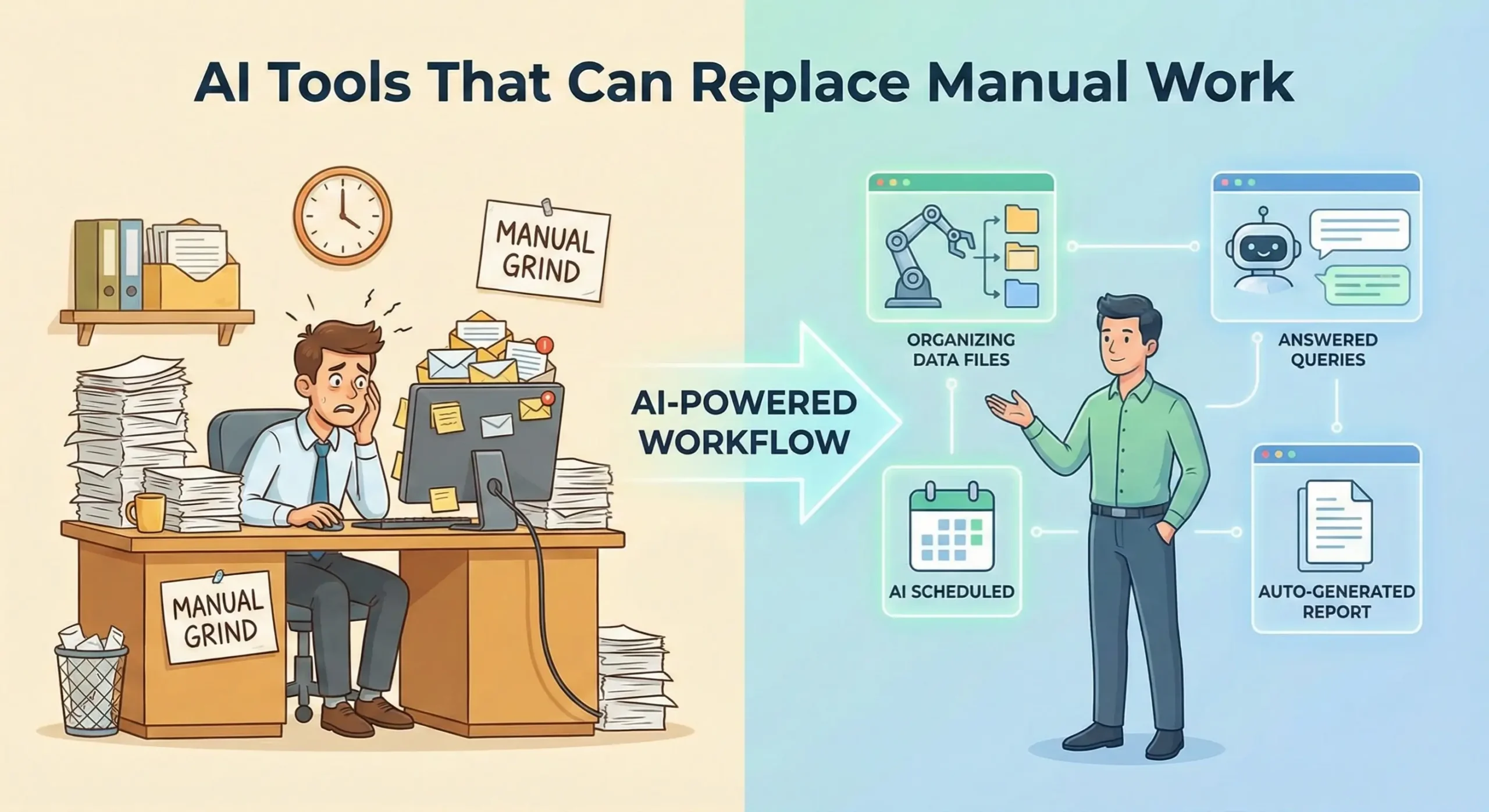
We have all been there: staring at a spreadsheet that seems to stretch into the next decade or manually copying data from one “game-changing” app to another. It is the kind of work that makes you wonder if your degree was actually just an expensive prerequisite for becoming a professional copy-paster. But the landscape of 2026 has changed the narrative entirely. The conversation is no longer about whether AI will arrive; it is about which AI tools that can replace manual work you are already missing out on.
The manual grind is becoming a choice rather than a necessity. From managing complex project timelines to drafting technical documentation that used to take days, artificial intelligence has moved from being a clever chatbot to a reliable digital workforce. This guide explores the most effective tools currently helping professionals shift from “doing the work” to “directing the work.”
The Shift from Manual Labour to Digital Direction
In the past, automation was reserved for those who could write complex scripts or afford enterprise-level consulting. Today, the barrier to entry has vanished. We are seeing a fundamental shift in how “work” is defined. Manual work—those repetitive, predictable, and often soul-crushing tasks—is being swallowed by specialised algorithms. This allows us to focus on what humans actually do best: strategy, empathy, and high-level problem solving.
When we talk about AI tools that can replace manual work, we are looking at systems that don’t just “help” but actually execute. They are the difference between a tool that checks your spelling and a tool that researches, writes, and formats a report based on a 30-minute recorded meeting. Getty Images Explore
Administrative and Scheduling Sovereignty
If you have ever spent forty minutes in a “reply-all” thread just to find a time for a fifteen-minute meeting, you know the pain of manual scheduling. AI assistants like Reclaim.ai and Motion have essentially turned this into a solved problem. These tools do not just look at your open slots; they understand your habits. They know you need a buffer after a long meeting and that you are most productive for deep work on Tuesday mornings. They automatically move tasks around, prioritise urgent deadlines, and defend your “Focus Time” with the ferocity of a protective older sibling.
- Motion: It acts as a proactive personal assistant, automatically rebuilding your daily schedule whenever a new task or meeting is added.
- Akiflow: Best for those who juggle multiple platforms, it pulls tasks from Slack, Gmail, and Trello into one single, AI-prioritized view.
Content Creation and Knowledge Management
The days of staring at a blinking cursor are, thankfully, behind us. However, the manual work of “cleaning up” content—formatting, summarizing, and cross-referencing—was still a bottleneck until recently. Tools like Notion AI and Google Gemini for Workspace have integrated these functions directly into where we write. Instead of manually summarising a 50-page PDF to find three key takeaways, you simply ask. The manual labor of data extraction is being replaced by conversational intelligence.
Technical and Development Automation
In the tech sector, the impact is even more pronounced. Manual code reviews and boilerplate generation used to consume up to 40% of a developer’s week. Now, tools like GitHub Copilot and specialised AI code review tools are handling the heavy lifting. They don’t just suggest the next line of code; they identify security vulnerabilities and performance bottlenecks in real-time, replacing the manual “eyes-on” debugging phase that was once mandatory.
High-Impact AI Tools Categorised by Manual Task
To truly understand how to optimise your day, it helps to see these tools through the lens of the specific manual work they replace. We have moved past the “one-size-fits-all” AI era into a period of specialised excellence.
| Manual Task Category | The “Old” Way | The AI Tool Replacement |
|---|---|---|
| Meeting Documentation | Taking shorthand notes and typing summaries. | Otter.ai or Fireflies.ai |
| Data Entry/Syncing | Copying leads from email to CRM. | Zapier AI or Make.com |
| Creative Layouts | Moving pixels in Photoshop for hours. | Canva Magic Studio or Midjourney |
| Customer Support | Answering the same 50 questions daily. | Intercom Fin or Zendesk AI |
Workflow Orchestration: Connecting the Dots
The most significant “manual” work in most offices is what I call “the glue work”—moving information between apps. Zapier AI has evolved from simple triggers to “natural language automation.” Instead of building complex “if-this-then-that” chains, you can now describe your workflow in plain English: “Whenever I get a new lead in this Gmail folder, summarise their website using AI and add the notes to my Salesforce lead record.” This replaces the manual triage and research that used to take minutes per lead, which adds up to hours per week.
Common Mistakes When Replacing Manual Work with AI
While it is tempting to hand over the keys to the kingdom and go take a long nap, there are several pitfalls that professionals encounter when trying to implement AI tools that can replace manual work. Automation is a multiplier, and multiplying a mess just creates a bigger mess.
The “Set and Forget” Fallacy
One of the biggest mistakes is assuming that because a tool is “automated,” it no longer requires human judgment. AI is excellent at execution but can occasionally lack context. For instance, an AI scheduler might see a 15-minute gap and book a meeting there, not realising you need that time to actually, you know, eat lunch. Continuous oversight—especially in the first few weeks of implementation—is crucial.
Ignoring Data Privacy and Security
Many beginners feed sensitive company data into public AI models without checking the security settings. When using AI tools to replace manual document analysis or data entry, ensure you are using enterprise-grade versions that offer data “opt-out” for training purposes. Your efficiency gain isn’t worth a data breach.
Over-Automation and “Bot-Speak”
In the rush to eliminate manual communication, some teams automate every single customer interaction. This leads to a sterile, robotic brand voice that can alienate clients. The goal is to replace the manual effort of drafting, not the human intent behind the message.
Best Practices for a Manual-Free Workflow
Transitioning to an AI-first workflow requires a strategic approach. You cannot simply sprinkle “AI dust” on your problems and expect them to disappear. Here is a checklist to help you transition smoothly:
- Identify the High-Volume, Low-Value Tasks: Audit your week. If you spend more than two hours on a task that doesn’t require “creative thinking,” it is a prime candidate for AI.
- Start with Integration-Heavy Tools: Choose tools that talk to your existing stack. If you use Google Workspace, start with Gemini. If you are a Slack power user, look into Agentforce.
- Build “Human-in-the-Loop” Systems: Set up your automations so they draft the work, but you provide the final “send” or “approve” click. This keeps you in control while removing 90% of the manual labour.
- Standardise Your Prompts: When replacing manual writing or research, create a “library” of proven prompts. This ensures consistency and saves you from the manual work of re-explaining the task to the AI every time.
The “Pilot Project” Strategy
Do not try to automate your entire department in a weekend. Pick one specific manual process—like monthly expense reporting or social media scheduling—and pilot an AI solution for 14 days. Measure the time saved and the error rate before moving to the next task. This incremental approach prevents “automation fatigue.”
Final Thoughts: The Future of Your Workday
The rise of AI tools that can replace manual work is not an indictment of our skills; it is a promotion. We are being moved from the assembly line to the design studio. By offloading the mechanical, repetitive parts of our jobs to intelligent systems, we create the space necessary for the strategic thinking that actually moves the needle.
As we move through 2026, the most successful professionals will not be those who work the hardest, but those who orchestrate their tools the most effectively. Start small, stay curious, and remember: if you find yourself doing the same thing for the third time today, there is probably an AI that can do it for you while you grab a coffee.
For more insights on optimising your digital stack, you might want to check out our guides on internal linking placeholder: enterprise productivity strategies or internal linking placeholder: how to write better prompts to further refine your automated workflow.